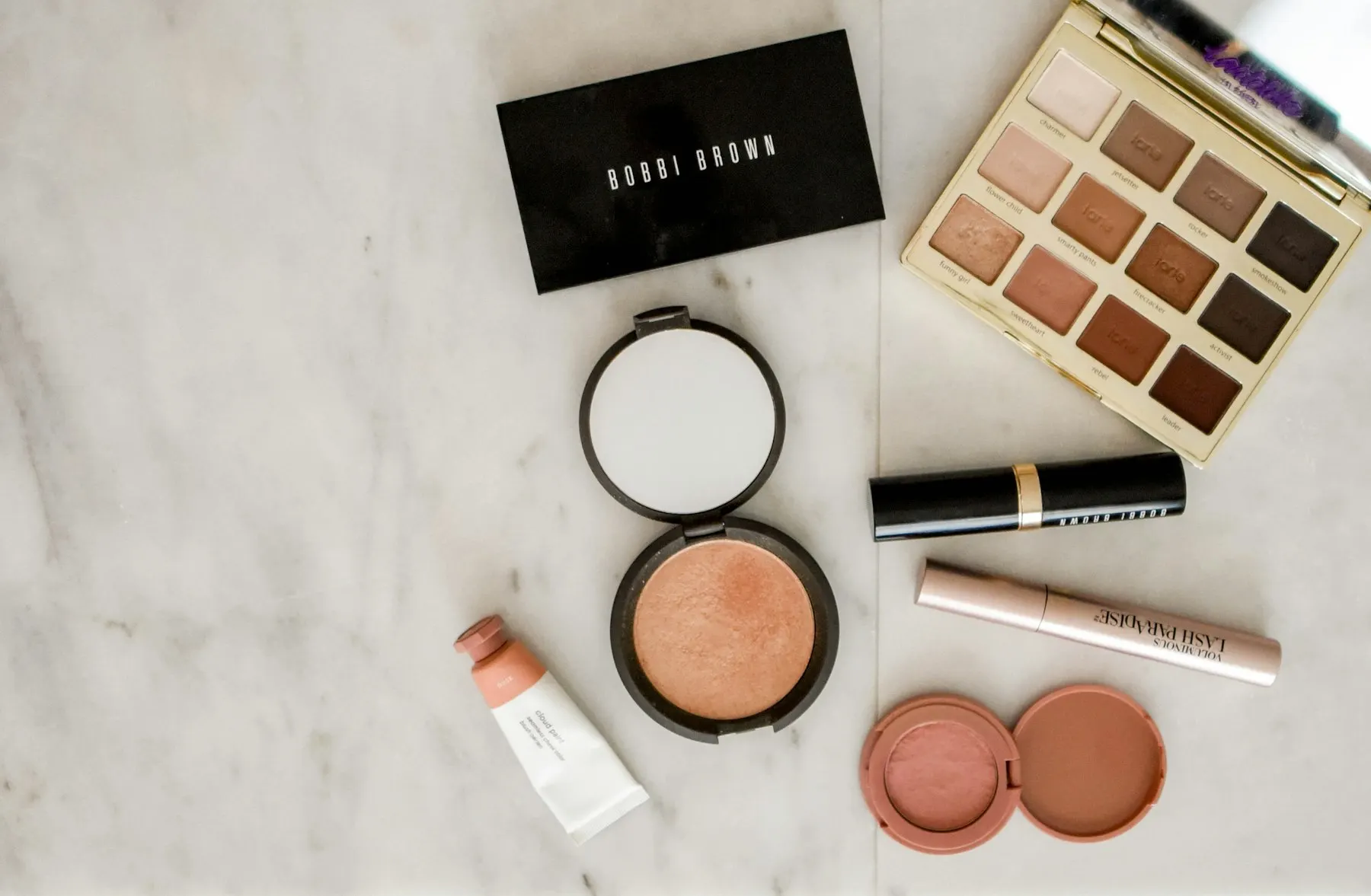
Fewer no-shows. Fuller chairs.
Booking websites for salons, barbers, and beauty studios — so clients can book, pay a deposit, and confirm without the message chase.
What customers should be able to do without messaging you
Less message chasing, fewer no-shows, and more confirmed chairs — deposits follow your cancellation and refund policy.
- 01Choose a service and see the price
- 02Pick an available time
- 03Pay a deposit and get confirmation
Click through the example
This is the website customers would use.
Walk it like a customer. Each click is a step they should be able to finish without messaging you.
01 · Home
A real salon website — not a Facebook page.
Customers see the work, the services, and one clear action: Book. Click Book now to walk the path a client takes on their phone.
This is a demonstration of the customer path — not a live client site. Yours would use your photos, services, prices, and policies.
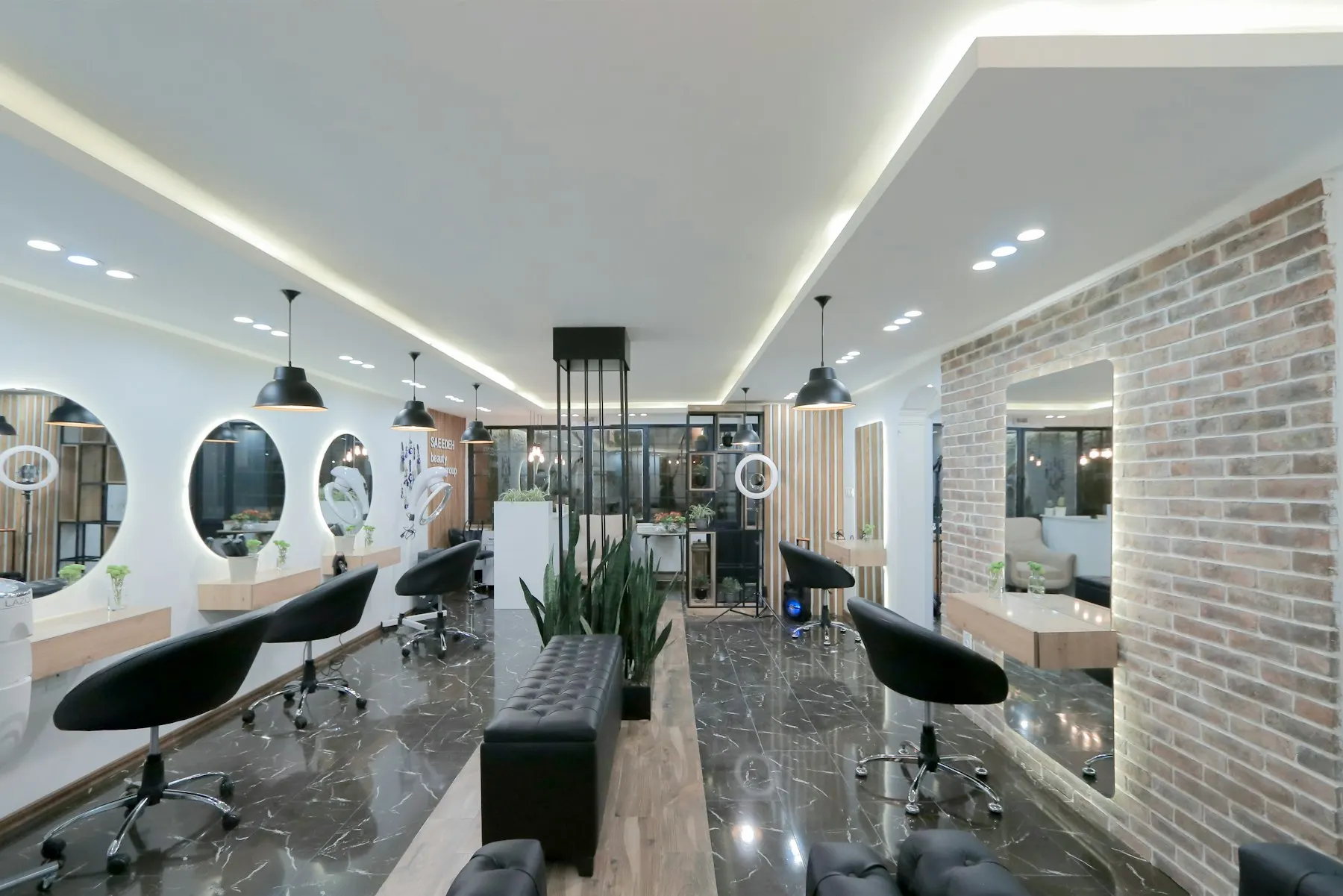
Hair · Colour · Care
Book the chair. Skip the DMs.
See services, pick a time, pay a deposit. Open after hours.
The problems customers still hit
If some of these sound like your week, you're in the right place.
Bookings live in messages — clients ask for times while you’re mid-appointment. Slow replies mean lost bookings.
No-shows empty the chair — someone books by chat, doesn’t arrive, and you’ve blocked a slot another client wanted.
Your work is hard to show online — great results stay buried in social stories instead of a clear services page and gallery.
Too much admin between clients — confirming times, chasing deposits, and repeating prices eats into the day.
How the site or system helps
Deposits help reduce no-shows, subject to your cancellation and refund policy. Clients reserve times after hours — you wake up to confirmed appointments. Availability, services, and payment are handled on the site, not in endless chats.
What we recommend for hair & beauty businesses
Booking website
Services, available times, and deposits or full payment in one place.
Service menu & gallery
Show what you offer, what it costs, and the standard of your work.
Online payments
Secure checkout so appointments are confirmed before clients arrive.
What this looks like day to day
Example functionality, in plain terms — the exact mix depends on your business.
Service selection with clear pricing
Staff selection if you have a team
Calendar and available time slots
Deposit or full payment at booking
Photo gallery for your work
Email confirmations and reminders
Cancellation and rescheduling options
Simple admin dashboard
How a project works
We start by mapping your services, durations and staffing — the system fits how your salon already runs, not the other way around.
- 01Understand
Learn about the business, problem, users and goals.
- 02Plan
Define the solution, scope, functionality and technical approach.
- 03Design
Plan the user experience and visual direction before development.
- 04Build
Develop, integrate and test the solution.
- 05Launch
Deploy the product and make sure everything works correctly.
- 06Support
Maintain, improve and scale the product after launch where needed.
Questions from hair & beauty businesses
Usually, yes — because booking online is faster for them too. Your booking link lives in the same bio they already use, and you can still take DM bookings manually while clients transition.
Deposits can be applied selectively — for example, only on long appointments or new clients — and the amount is your choice. Most salons find clients accept it quickly because confirmed bookings feel more professional.
Yes. A personal booking page with your own services, calendar and deposits works whether you run a salon or a single chair.
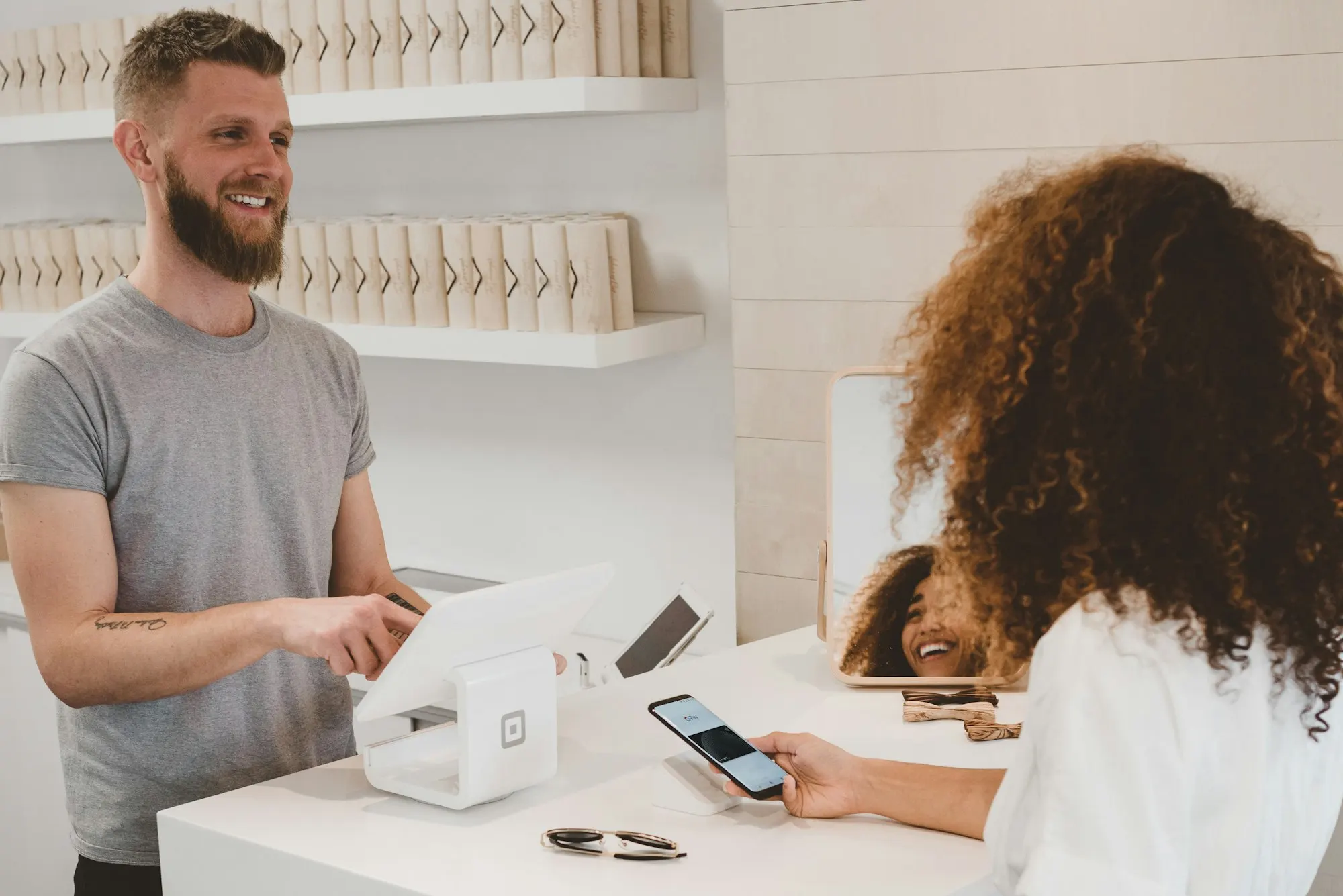
Run a hair & beauty business?
Tell us what your week looks like and where the time goes. We'll suggest the simplest technology worth building.