

More Bookings. Fewer No-Shows. Less Admin.
Give customers a simple way to book a service, pick a time, and pay online — so your calendar fills without living on your phone.
The website shows what’s available. Payment secures the appointment. You get a confirmed booking you can plan around.
Final quote agreed in writing before work begins.
Sound familiar?
These are the problems this service exists to remove.
Booking happens over phone calls and social media messages, all day long.
No-shows cost you money because nothing is confirmed or paid up front.
Double bookings happen because availability lives in someone's head.
Customers who message after hours book with whoever replies first.
What we can build for you
Online booking pages
Your services, prices and live availability, bookable from any phone in under a minute.
Deposits and payments
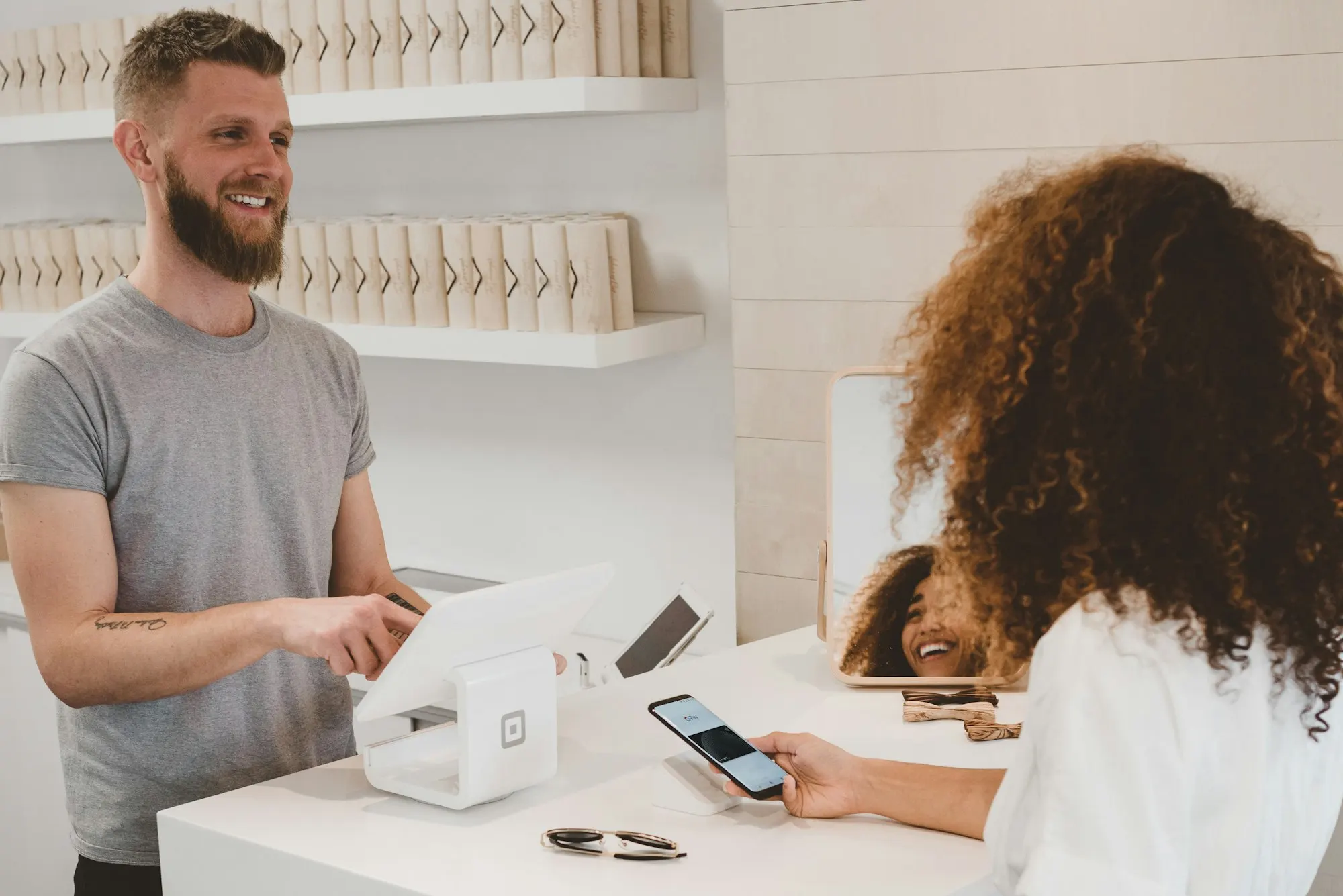
Accept deposits or full payment when customers book, so cancellations stop costing you.
Reminders and confirmations
Automatic messages that confirm bookings and reduce no-shows without you lifting a finger.
Staff and resource scheduling
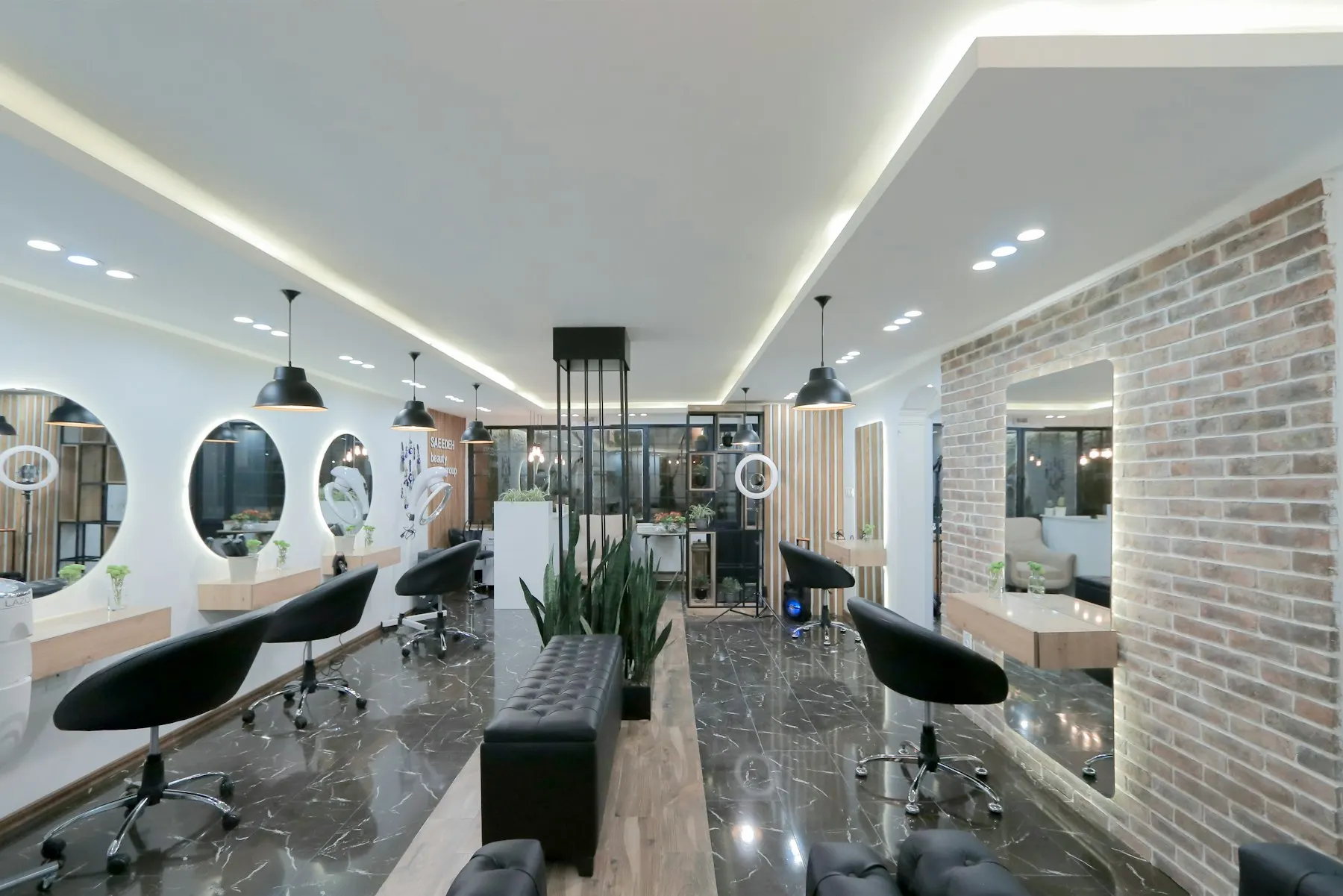
Manage multiple staff members, stations or rooms with individual calendars and services.
- Service selection
- Staff selection if needed
- Calendar
- Available time slots
- Deposits
- Full payments
- Email confirmations
- Reminders
- Cancellation and rescheduling
- Admin dashboard
How the project works
We map your real services, durations and staffing before configuring anything, so the system matches how you actually take bookings.
- 01Understand
Learn about the business, problem, users and goals.
- 02Plan
Define the solution, scope, functionality and technical approach.
- 03Design
Plan the user experience and visual direction before development.
- 04Build
Develop, integrate and test the solution.
- 05Launch
Deploy the product and make sure everything works correctly.
- 06Support
Maintain, improve and scale the product after launch where needed.
Common questions
No. The system is set up around your services, working hours and staff. You can still add manual bookings for walk-ins and phone customers alongside online ones.
Yes. Deposits can be attached directly to bookings — customers pay a portion or the full amount as they book, subject to the payment providers available to you.
Customers can reschedule or cancel within rules you control — for example, no cancellations within 24 hours — and the calendar updates automatically.
Ready to talk about booking systems?
Tell us what you're trying to achieve and we'll recommend the right approach — with a clear written quote before any work begins.